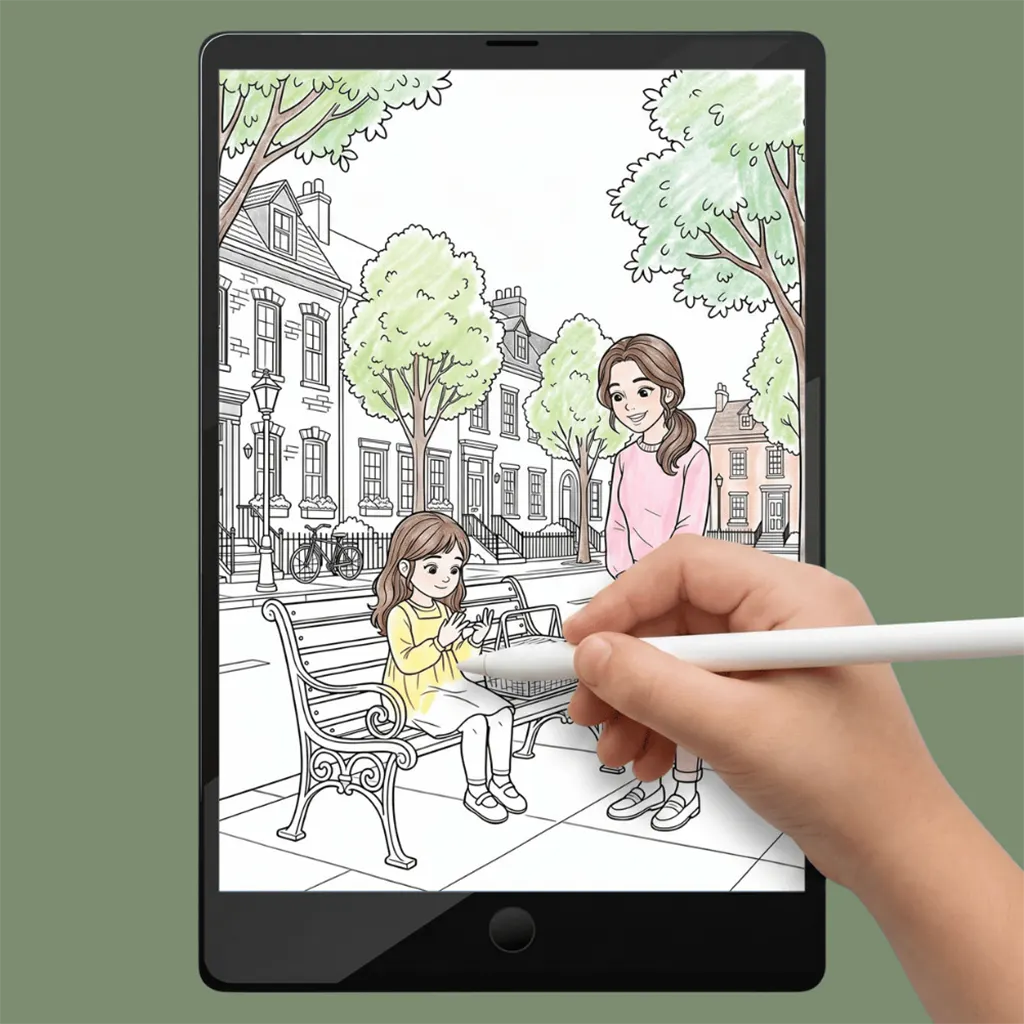
You can always start over – simply undo or open a new copy.
No mess – no watercolor chaos on the table.
Colors look bright and vibrant on the screen.
Perfect for on-the-go – everything on one device.
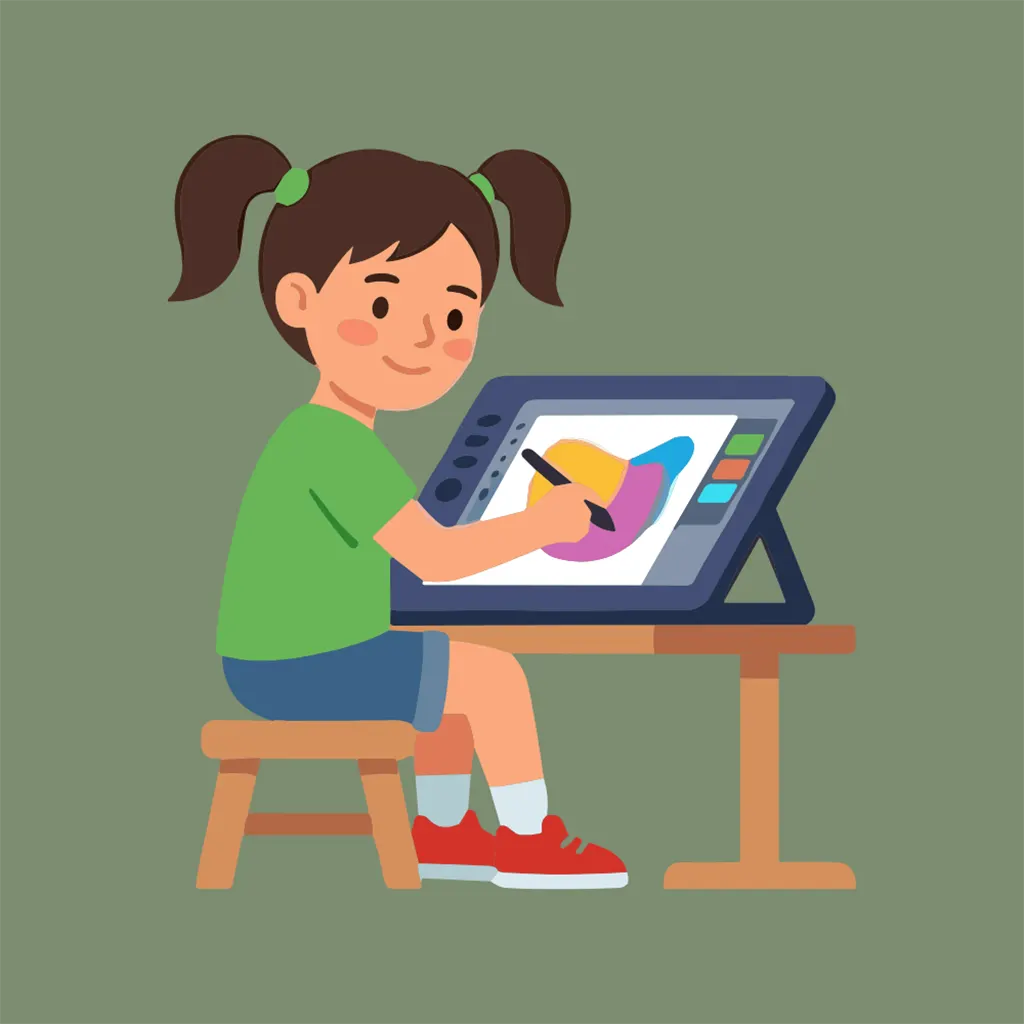
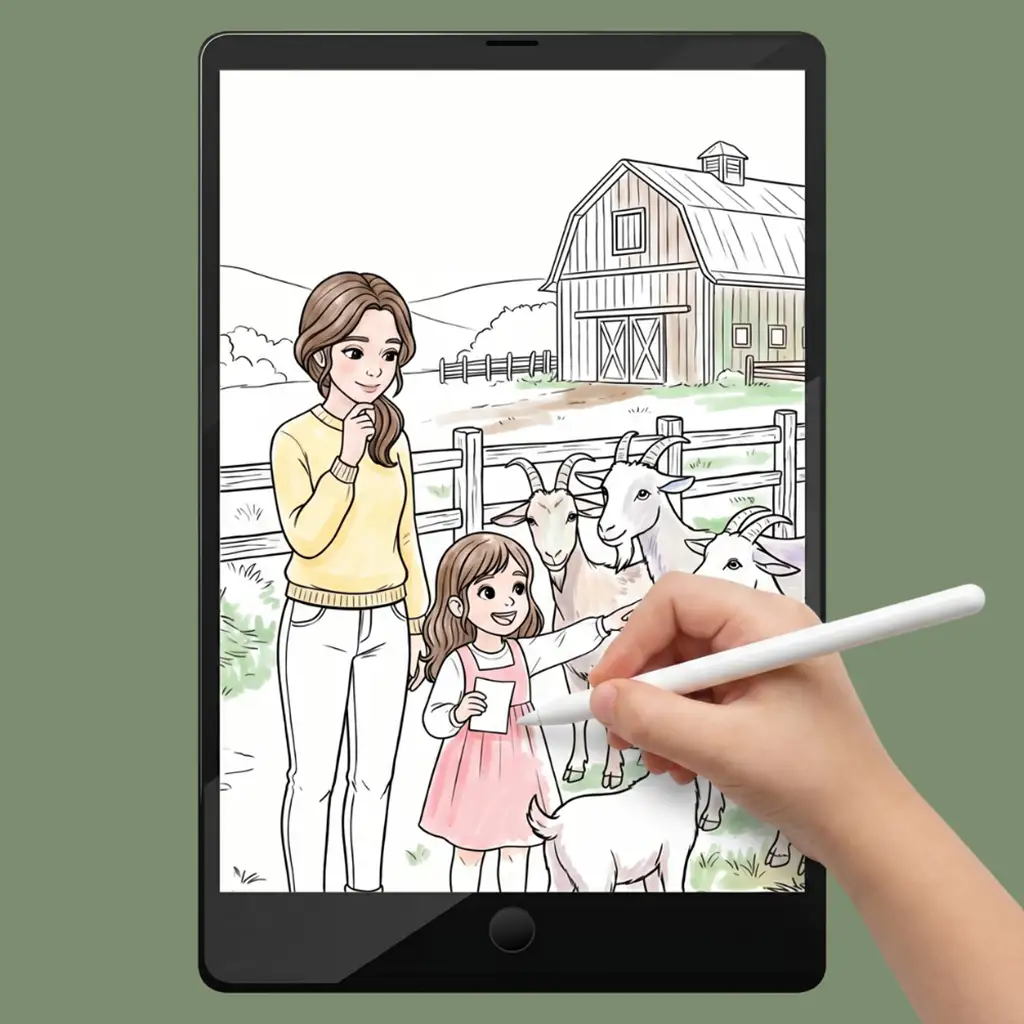
A stylus (pen) makes coloring much easier and more accurate.
It also works with your finger – but it’s harder to reach the small details.
For iPad, we recommend the Apple Pencil. For Android tablets, there are many affordable alternatives.
For iPad users:
Files App – already pre-installed – Free – Just open the PDF and start.
GoodNotes – Free to start – Very popular and easy to use.
Notability – Free basic version – Also very user-friendly.
Procreate – 💰 – For creative little artists – the PDF must be saved as an image (JPEG/PNG) first.
For Android users:
Samsung Notes – Free – Pre-installed on Samsung devices.
Xodo PDF – Free basic version – Works on almost all devices.
Penly – Free basic version – Similar to GoodNotes, specifically for Android.
HiPaint – Free with ads – For creative little artists – the PDF must be saved as an image first.
Infinite Painter – 💰- For creative little artists – the PDF must be saved as an image first.
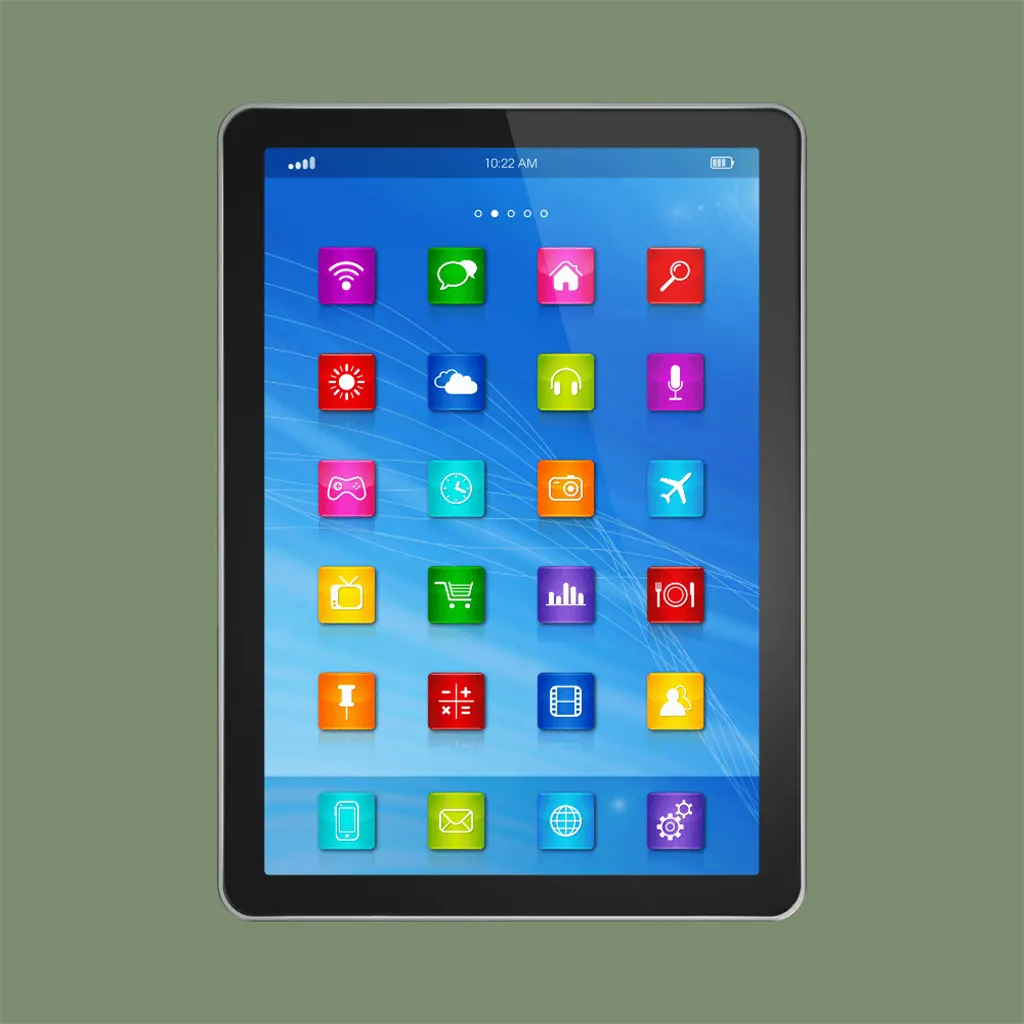
On iPad – Files App
Open the Files app (blue folder icon).
Go to “Downloads” and tap on the PDF file.
The file opens directly – tap the pen icon or “Markup” in the top right corner to start coloring.
On Samsung – Samsung Notes
Open Samsung Notes.
Tap the “+” symbol in the bottom right.
Select “Import PDF” or “From files”.
Look for your PDF file in the “Downloads” folder and tap on it.
The file opens – you are ready to go!
On other Android devices – Xodo
Open the Xodo app.
Tap on “Open” or the folder icon.
Select your PDF file from the “Downloads” folder.
Tap the pen icon at the top to activate the drawing mode.
All set – have fun coloring! 🎨
This is where the apps differ, and it’s worth knowing before you start.
In most apps (Files, GoodNotes, Notability, Samsung Notes, Xodo, Penly) you color the way you would on paper:
you pick a pen or highlighter and fill the area by hand. Zoom in for the small details, and use a thicker pen for large areas.
In Procreate, HiPaint and Infinite Painter you also get a fill tool.
You drag a color onto a closed area and it fills instantly. This is much faster for large backgrounds, but the PDF has to be saved as an image first.
💡Tip: if the fill leaks outside the lines, the outline probably has a tiny gap. Zoom in, close it with the pen, and try again.
No coloring book yet?
Browse our collection on Etsy and start today.
Something not working? Get in touch and we’ll help you out.