
Our digital products are designed with great attention to detail.
To make sure they look just as good on paper as they do on the screen, here are a few tips:
For Stories & Posters: It is best to use slightly thicker paper (e.g., 120g/m² or 160g/m²). This ensures vibrant colors and a high-quality feel, just like a real book.
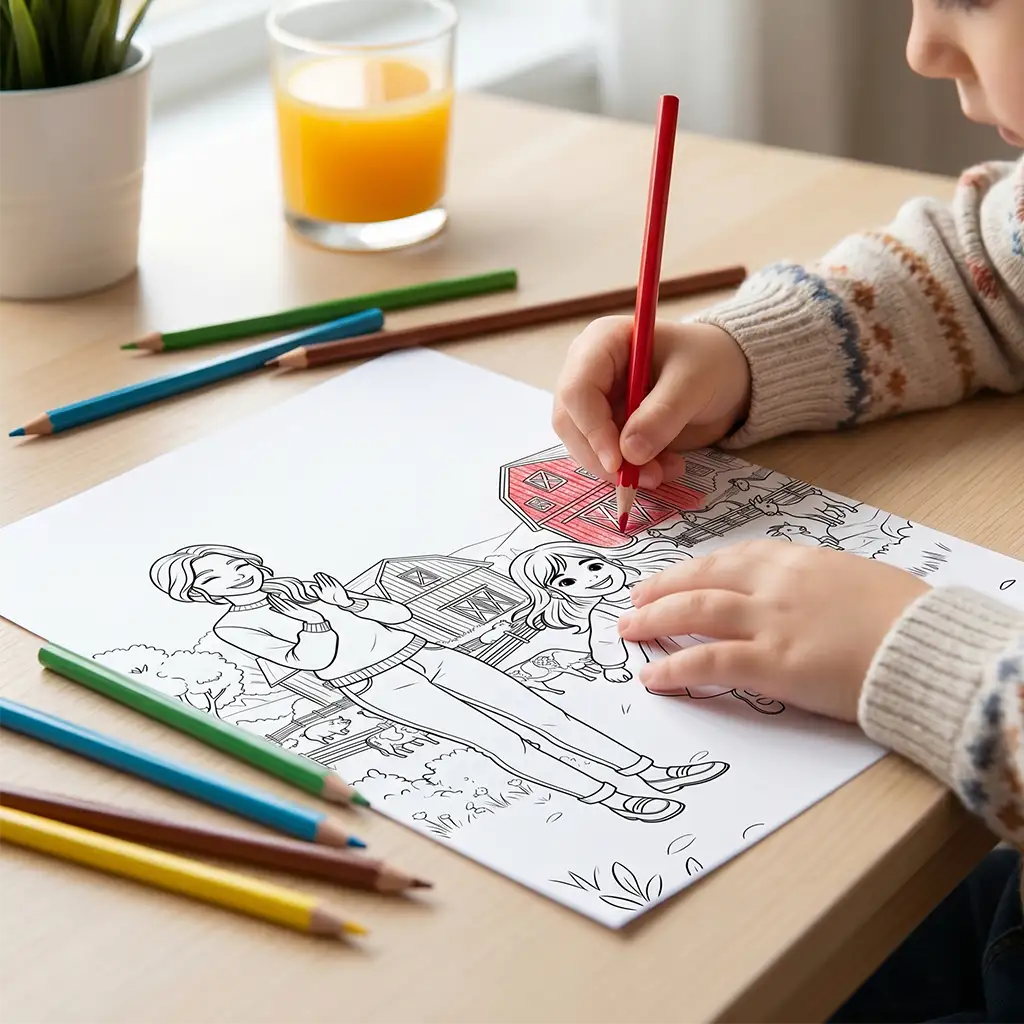
For Coloring Pages: Standard copy paper is fine. However, if your children like to color with felt-tip pens or watercolors, we recommend using a slightly thicker paper here as well to prevent bleeding through.
For the storybook and posters, we recommend setting the print quality to “High” or “Photo” – this brings out the colors at their best. For coloring pages and learning materials, standard print quality is perfectly fine.
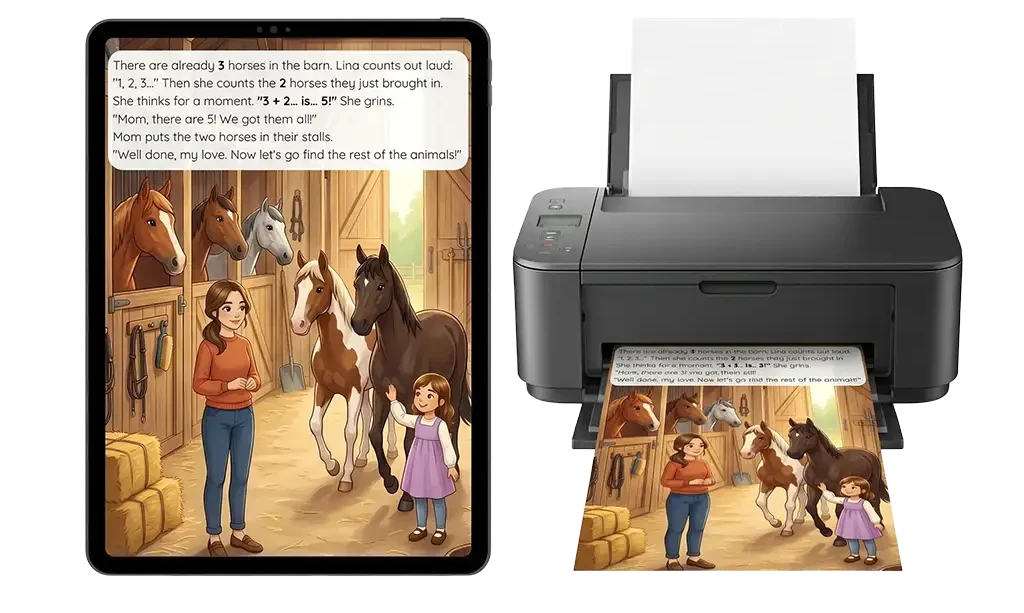
Our files are created in a generous A3 format.
However, you can easily print them on A4, A3, or US Letter:
Printing at home:
Open the PDF file on your computer.
Click on “Print” and look for the setting “Fit to page” or “Scale”.
Your printer will automatically resize the image to fit your loaded paper (e.g., A4).
The text remains large and easy to read.
Printing at a print shop:
Would you like to print everything at once or in a large format?
Then simply go to a print shop of your choice and bring your PDF file – via USB stick, email, or directly from your phone.
PDF is accepted everywhere!
Home printers cannot print all the way to the edge of the paper, so a thin white border is normal. It does not mean anything is wrong with your file.
If you want the design to fill the whole sheet, choose “Borderless printing” in your printer settings, if your printer supports it. Not all models do.
Alternatively, print at a print shop and ask for borderless printing, or simply trim the border with scissors after printing.
Ready to print?
Browse our collection on Etsy and pick your next one.
Something is not printing right?
Get in touch and we’ll help you out.